ame development in Unity or Unreal isn’t just about coding gameplay mechanics or designing levels – it’s about testing ideas quickly, making them playable, and refining them before they turn into full productions.
That’s where prototyping tools come in. For developers and hobbyists alike, prototyping saves time, reduces costs, and keeps the creative spark alive.
In today’s ecosystem, these tools are smarter, faster, and often integrated directly into workflows for both indie studios and larger teams.
Key Points
- Prototyping tools help Unity and Unreal developers iterate quickly.
- Choosing the right tool depends on project size, goals, and team structure.
- Integration with 3D modeling and asset pipelines is critical.
- Features like collaboration, physics simulation, and VR previews set top tools apart.
- Image-to-3D model conversion is becoming a game-changer in rapid prototyping.
Why Prototyping Matters More Than Ever
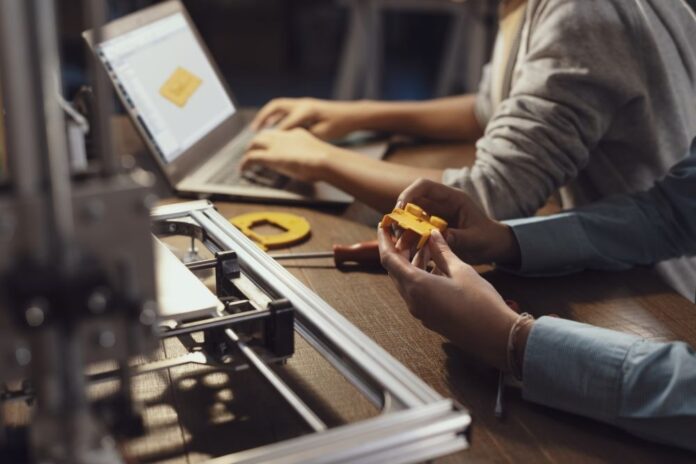
When I first started tinkering with Unity years ago, prototyping was mostly about greyboxing: slapping in cubes and capsules to test movement and map flow.
It worked, but it was clunky. Now, developers need tools that not only allow for fast blockouts but also simulate lighting, physics, and interactions close to the final experience.
Prototyping bridges the gap between concept and reality, letting teams validate mechanics, pacing, and art direction without committing months of dev time.
The industry has matured, and expectations are higher. Players are more demanding, publishers want earlier proofs of concept, and indie devs need to pitch effectively.
Prototyping tools have evolved to meet all these needs, making them essential for both Unity and Unreal workflows.
Tools That Transform Raw Ideas Into Playable Experiences
Some tools focus on simplicity, while others pack in advanced features. Choosing the right one depends on whether you’re a solo developer building a passion project or part of a team balancing tight deadlines.
- ProBuilder (Unity): Perfect for quick level layouts inside Unity. It’s like LEGO for environments.
- Bézier for Unreal Engine: Offers a fast, intuitive way to block out spaces with splines and primitives.
- Figma + Unity Plugins: UX designers can hand off interface mockups straight into the game.
- VR prototyping suites: Tools like ShapesXR let you prototype directly in VR, making sense for teams targeting immersive experiences.
But one of the most exciting developments is the ability to generate assets directly from references.
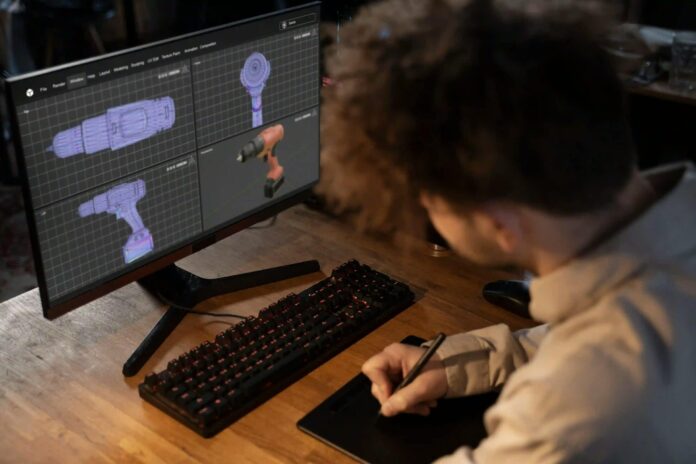
Instead of waiting for an artist to model from scratch, developers now lean on solutions that can take a flat concept and generate usable 3D.
This is where something like image to 3D model apps and services shine, enabling teams to drop quick placeholders or even polished prototypes into Unity or Unreal almost instantly. That kind of shortcut is a massive leap forward for iteration speed.
Balancing Speed and Accuracy in Asset Prototyping
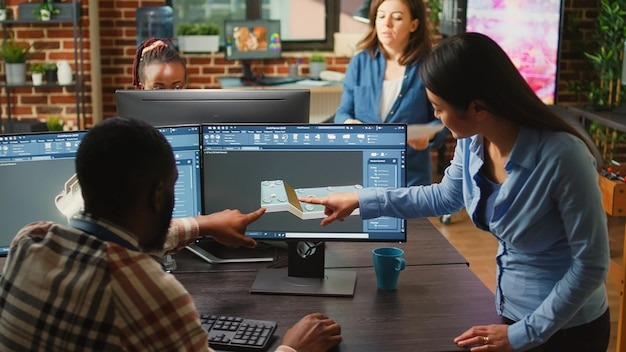
The real trick in prototyping is not just creating something fast, but creating something that gives a believable sense of gameplay.
A character’s jump arc can feel totally different depending on how the space is modeled. Likewise, lighting previews, collision boxes, and physics placeholders all change how mechanics play out.
Modern tools let you fine-tune those factors without having to build final assets. Developers can now:
- Adjust geometry without leaving the engine.
- Import placeholder assets from libraries in seconds.
- Test animation rigs with dummy characters.
- Simulate physics with simple proxies before polishing.
This saves artists and engineers from wasted cycles, keeping the whole team focused on mechanics first, visuals later.
Collaboration Features That Speed Up Team Workflows
For larger teams, collaboration is where the best prototyping tools separate themselves. Cloud-based prototyping platforms let multiple devs work on a scene at once, similar to how coders collaborate on GitHub.
Unreal Engine’s Multi-User Editing and Unity’s Plastic SCM integration are perfect examples.
When a designer updates a level layout, programmers see it instantly. When an artist swaps in a new texture, testers don’t need to download a new build.
The feedback loop shrinks from days to minutes, which is crucial in environments where ideas change rapidly.
Even indie devs can benefit from these collaborative systems. They might not need enterprise solutions, but tools like Trello or Miro connected to Unity plugins can act as lightweight pipelines to keep prototypes organized.
Popular Categories of Prototyping Tools Today
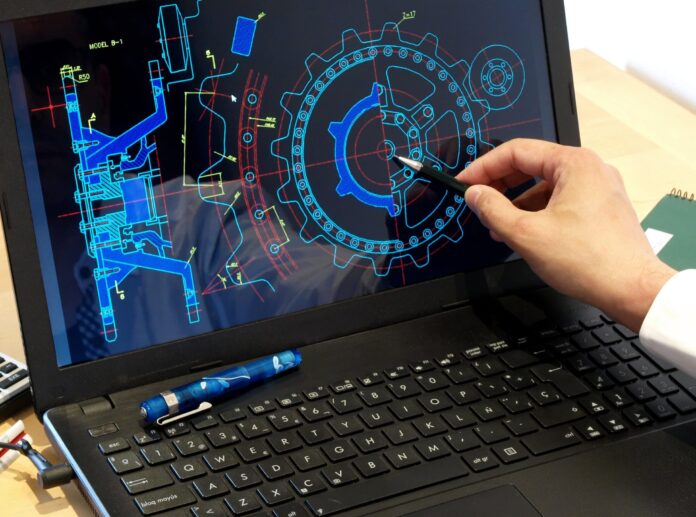
To make sense of the landscape, it helps to think in categories rather than individual products:
-
Geometry and Level Design Blockouts
- Unity ProBuilder, Unreal Geometry Editor, Blender Grease Pencil.
-
3D Asset Generation
- AI-powered image to 3D conversion, kitbash libraries, parametric modelers.
-
UI/UX Prototyping
- Figma-to-Unity pipelines, Unreal UMG with quick drag-and-drop layouts.
-
Physics and Gameplay Simulation
- Tools that preview gravity, collisions, and ragdoll effects without complex setup.
-
Immersive Prototyping
- VR-based editors that allow real-scale adjustments to environments.
By thinking in terms of these buckets, developers can assemble a toolkit that matches their project’s needs.
Mistakes Developers Make With Prototyping
Even with the right tools, prototyping can fail if the process isn’t managed correctly. Some common pitfalls include:
- Over-polishing too early: Spending days detailing a prototype environment only to throw it away later.
- Ignoring player feedback: A prototype is meant to be tested, not admired in isolation.
- Not version-controlling prototypes: Losing progress when ideas pivot wastes hours.
- Relying on a single method: Greyboxing is useful, but combining it with AI-generated assets or VR previews gives more depth.
Avoiding these traps ensures prototypes serve their true purpose: guiding decision-making, not eating resources.
The Role of AI in Next-Gen Prototyping

The rise of AI is shaking things up. While traditional prototyping relied on manual geometry and kitbashing, AI brings a shortcut to previously tedious tasks.
Tools that can turn 2D sketches into 3D objects, or auto-generate textures and lighting scenarios, are giving developers unprecedented speed.
For Unity and Unreal creators, this means ideas can move from paper to playable build in hours instead of weeks.
It’s not about replacing artists but freeing them from repetitive tasks.
When the bulk of early iterations can be handled by automated tools, human creativity can focus on polish, storytelling, and nuance – the elements that make games memorable.
The adoption curve is steep, but the payoff is worth it: faster production cycles, leaner budgets, and more room to experiment without fear of sunk costs.
Looking Ahead: Prototyping as a Core Development Philosophy
What used to be a pre-production step is now a full-fledged philosophy. Prototyping tools aren’t just for early concepts anymore – they’re integrated throughout production.
Level design tweaks mid-development, live A/B testing mechanics, and experimenting with monetization flows all benefit from rapid prototypes.
Unity and Unreal have built robust ecosystems around this mindset, and developers who embrace it are producing more polished, innovative games at a fraction of the cost.
As AI tools mature, expect prototyping to become even more seamless, where ideas can be tested almost as quickly as they’re thought of.
Conclusion
Prototyping tools for Unity and Unreal developers aren’t optional – they’re the backbone of modern game design.
With everything from geometry editors and AI asset generators to VR prototyping and collaboration features, developers today have more options than ever.
The key is not just choosing the shiniest tool, but building a workflow that supports speed, accuracy, and creativity at once.
Whether you’re a solo indie dev or part of a hundred-person studio, mastering these tools will put you miles ahead in 2025 and beyond.